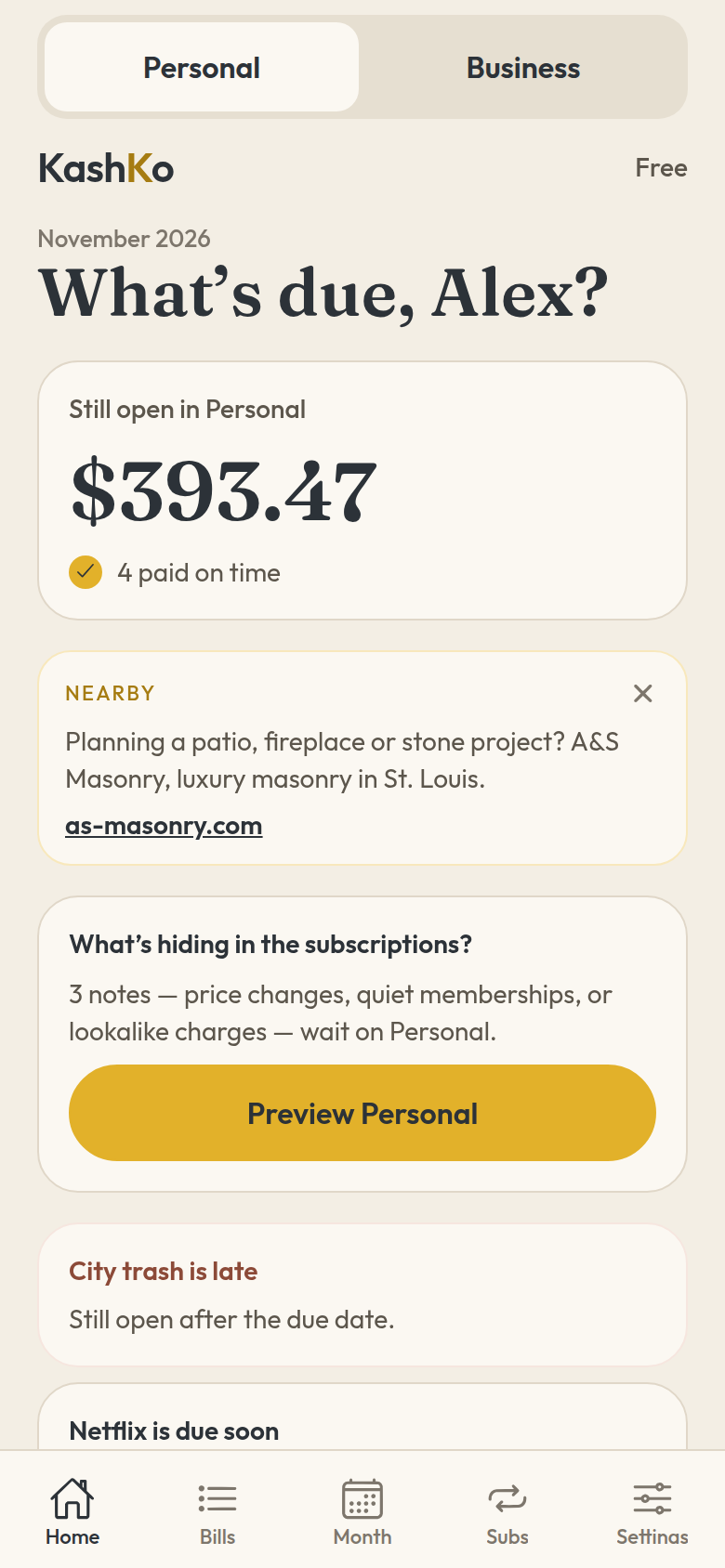
Home bills stay home
Personal shows only the household: rent, power, the phone, the subscriptions. The month's total is just that space.
For working people and small business owners
KashKo is the bill list for the work you do and the life at home. Business bills stay in Business. Household bills stay in Personal. The totals do not mix.
At launch: connect your bank securely with Plaid and sync with QuickBooks Online.
The work
Rent, power, the phone, and the subscriptions at home sit next to the bills that belong to the business. KashKo gives each its own space. You switch at the top. A job tag, when you turn it on, keeps one project together. Nothing here moves your money. Pay still happens on the biller's own page.
Personal shows only the household: rent, power, the phone, the subscriptions. The month's total is just that space.
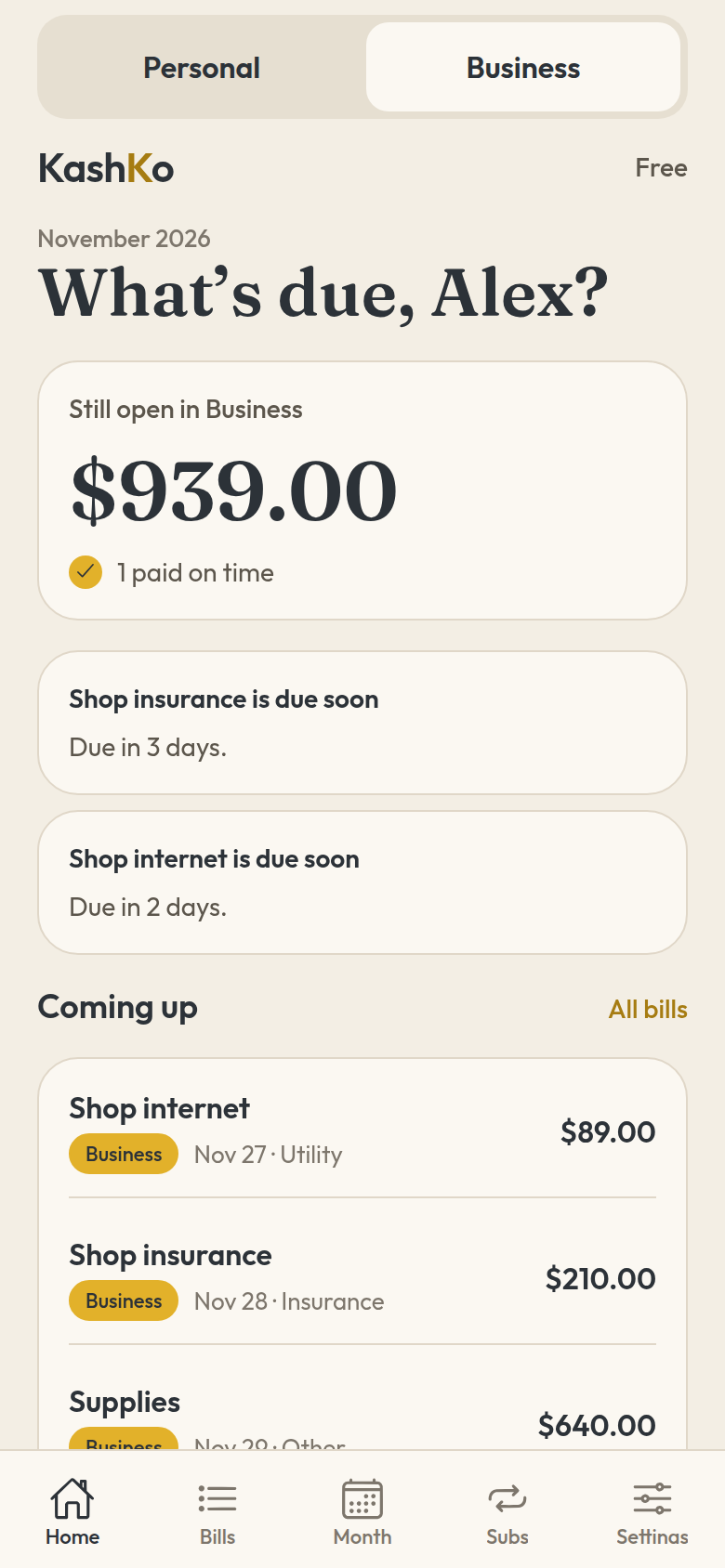
Business shows the bills that belong to the work. Those amounts are not added into the home total.
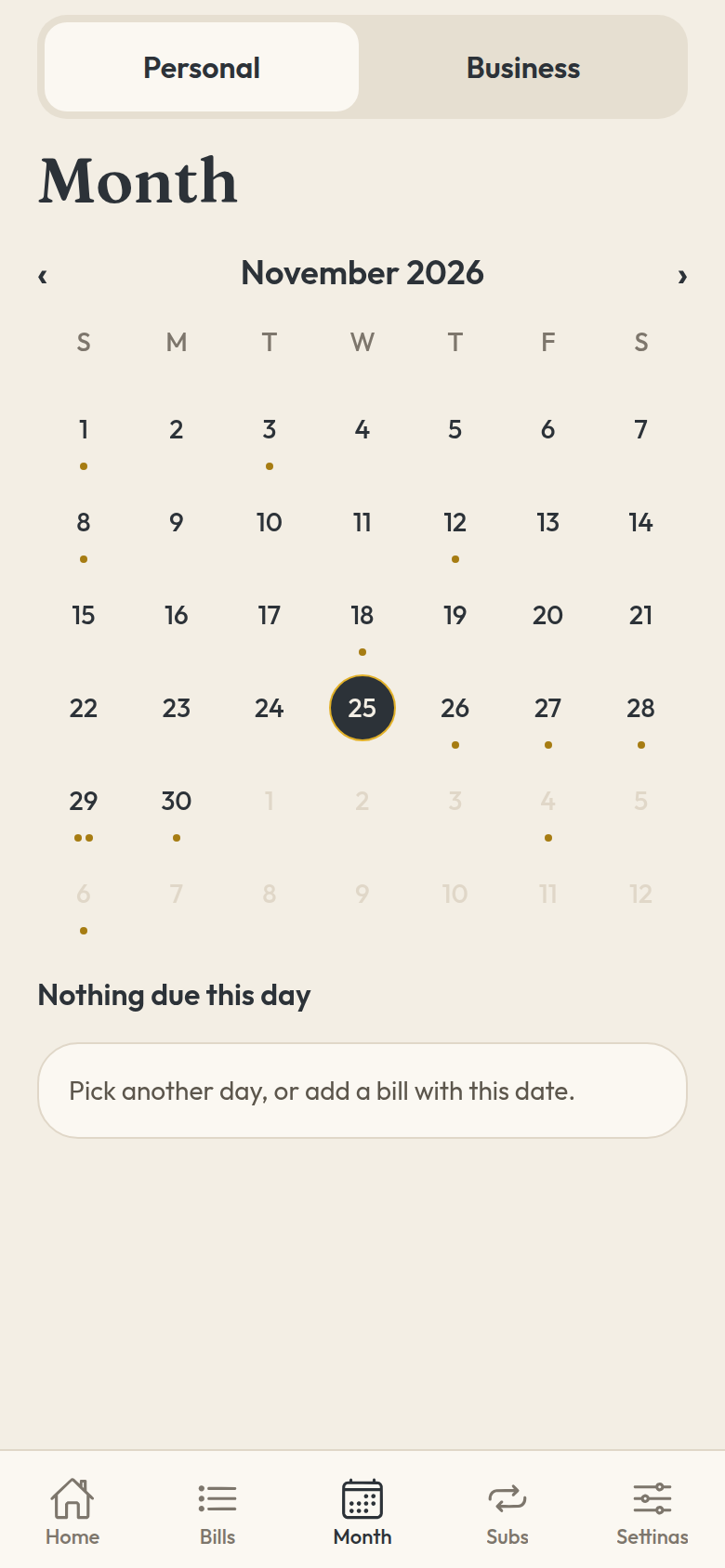
Each space has its own calendar. Dots mark due dates. Open a day and see only that space.
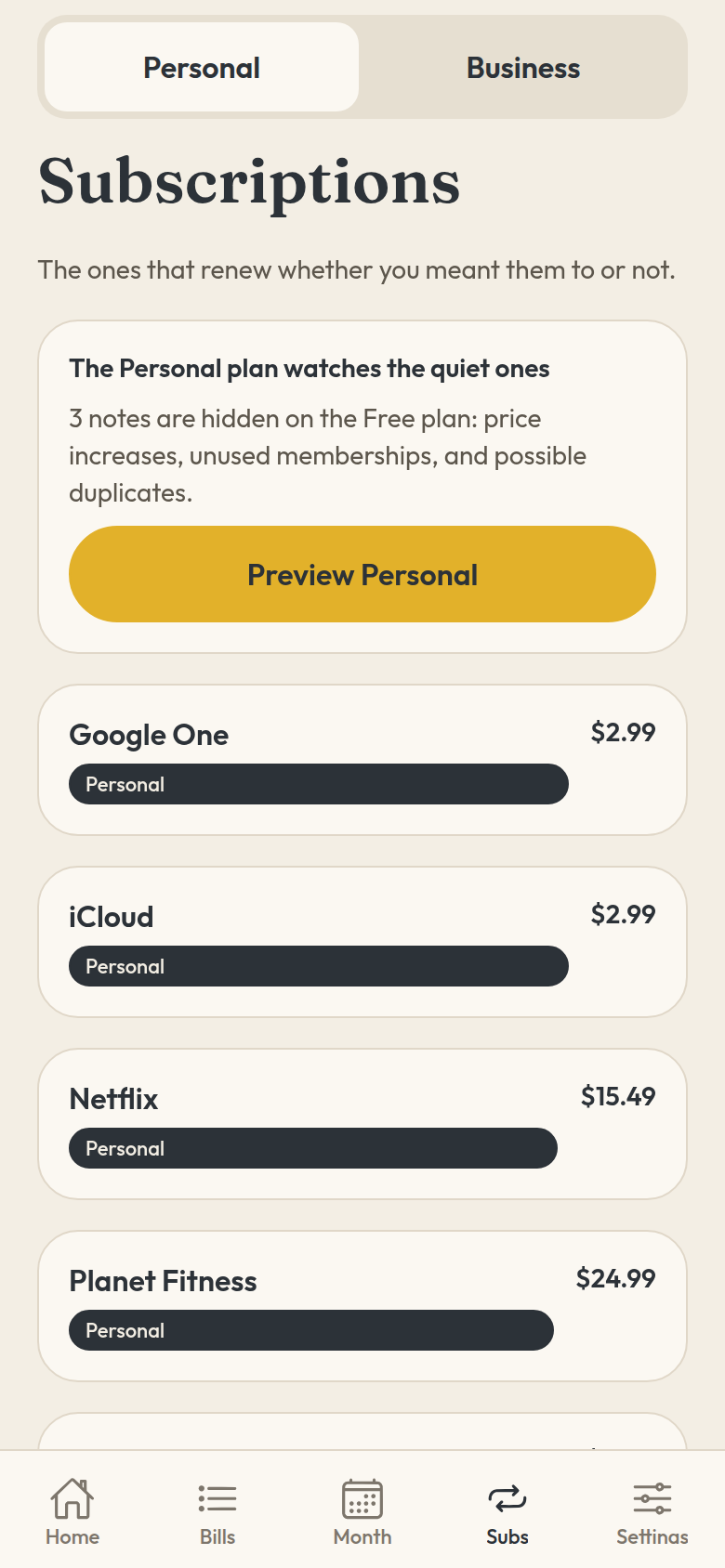
On the Personal plan, KashKo flags a higher price, a membership that went quiet, and two charges that look the same. That plan is not for sale on this page.
These two links are planned for launch. They are not switched on in this preview.
Plaid
Planned. KashKo will use Plaid so you can connect a bank account. This preview does not connect a bank. KashKo is not a Plaid partner and is not certified by Plaid.
QuickBooks Online
Planned for launch. The business space is being built to send bills toward QuickBooks Online. This is not an Intuit partnership, not a certification, and not an App Store listing.
1
Type the name, the amount, and the due date. Bank import comes with Plaid at launch.
2
Personal or Business. A business-only account never shows a Personal space.
3
KashKo asks this phone before the due date. It does not pay the bill.
Name and email. Trade and company if you want. We write when there is something to open.